How to Equip Your Field Sales Team to Sell More Effectively

In many B2B and B2C businesses, the sales force has a direct impact on revenue. Sales representatives are on the front line, interacting with customers with one clear objective: to close more sales under better conditions.
However, the reality in the field is often more complex. Incomplete information, scattered tools, and repeated data entry when returning to the office can slow teams down and create gaps between what is sold and what can actually be delivered.
In this context, equipping your sales force with the right tools is no longer optional. It is a practical way to simplify sales representatives’ work and improve the overall efficiency of the business.
Understanding Today’s Field Sales Force
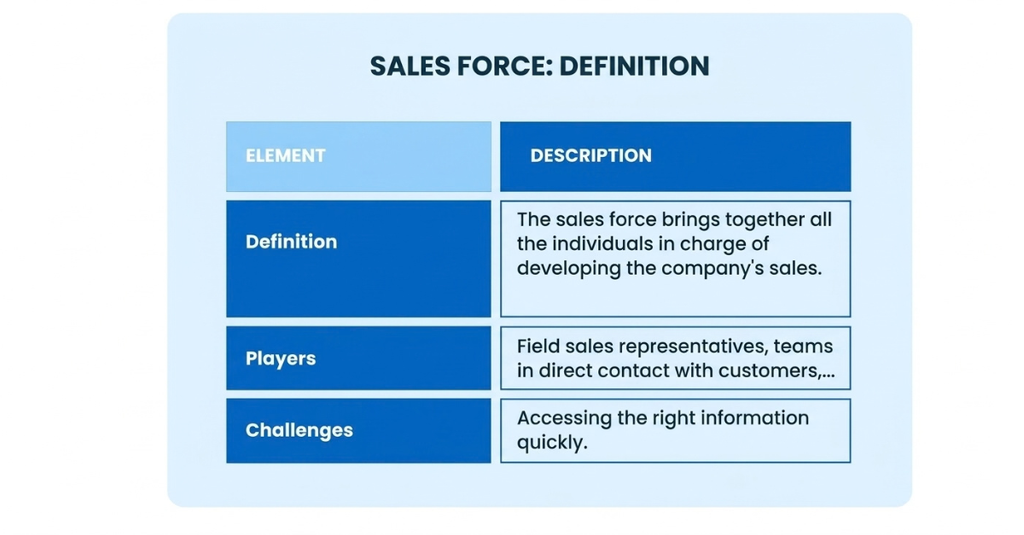
The sales force includes all the people responsible for developing a company’s sales. It may consist of field sales representatives, sales agents, or teams who interact directly with customers.
In the field, their role goes far beyond simply taking orders. They advise customers, negotiate deals, build customer relationships, and represent the company’s brand in the market.
With more frequent travel and faster sales cycles, their work has become more mobile than ever. Sales representatives need to be able to quickly access the right information without relying on an administrative or sales support team back at the office.
At the same time, customer expectations have changed. They expect immediate responses, reliable information, and smooth, seamless communication throughout the sales process.
The Limitations of Traditional Field Sales Methods
Despite these changes, some businesses still rely on methods that are not well suited to field sales work.
Orders are sometimes still taken on paper or entered into Excel files. The information then has to be re-entered at the office, which increases processing times and creates more opportunities for errors.
This approach creates several challenges in day-to-day operations.
First, it leads to a loss of time for sales representatives. Time spent re-entering information is time that could otherwise be devoted to selling.
Second, it reduces data reliability. A data entry error, an incorrectly recorded product reference, or a forgotten detail can directly affect an order.
Finally, it creates a gap between what happens in the field and the company’s actual operational situation. A sales representative may offer a product without knowing its exact stock level, which can weaken the customer relationship.
As the business grows, these limitations become increasingly apparent.
Why Digitize Your Sales Force?
Switching to mobile tools helps address these challenges directly.
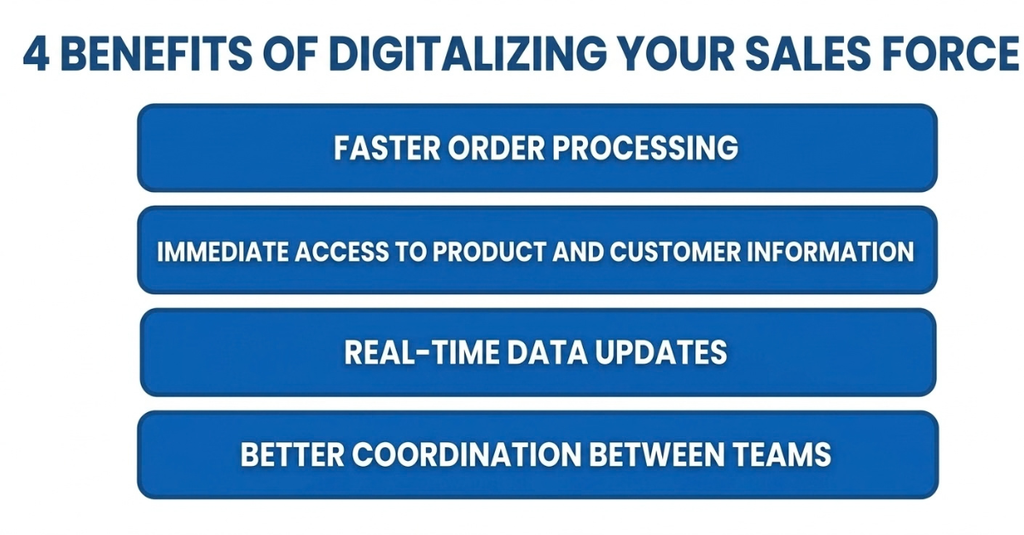
In practical terms, this provides:
- Faster order taking
- Immediate access to product and customer information
- Real-time updates on inventory, orders, and business data
- Better coordination between teams
In the field, sales representatives become more efficient. Administrative tasks are reduced, and information is centralized.
The customer experience also improves. During a meeting, a sales representative can check a price, confirm product availability, or review a customer’s history within seconds. This makes interactions smoother and more accurate.
Data is also a key factor. Having access to up-to-date information changes the way sales representatives work. Decisions can be based on concrete, reliable data.
Finally, digitization improves activity tracking. Orders are recorded in real time, giving internal teams a clear view of sales activity.
How to Effectively Equip Your Field Sales Team
Providing a mobile tool is not enough. It needs to address real, day-to-day sales needs.
Sales representatives should be able to easily access the product catalog, pricing, and customer information. Everything they need should be available quickly.
Order taking should also be simple. A smooth interface with only a few steps helps reduce errors and makes the tool easier to adopt.
Continuity between the field and the office is essential. Information entered by sales representatives should be immediately available to other teams.
Logistiqa: A Solution Designed for Field Sales Teams
Logistiqa was specifically designed to address these field sales challenges.
Available on smartphones, tablets, and computers, the application allows teams to work wherever they are, with a simple interface that is quick to learn and easy to use.
In the field, sales representatives can create quotes and orders within seconds. Once a customer is selected, their usual terms and conditions are applied automatically.
All key information is centralized. Products, prices, and inventory levels can be accessed at any time.
Customer profiles and order history are also available, allowing sales representatives to tailor their sales approach to each customer.
Real-time synchronization ensures consistency between the field and the office. Internal teams can process orders without delay.
Contact us by email info@logistiqa.co